Handwriting to Text Converter
Use this handwriting to text converter to convert handwritten notes, assignments and letters into editable plain text.
Get Registered — Convert 50 notes at once FREE 🎉

Drop, Upload or Paste Images
Supported formats: JPG, PNG, GIF, JFIF (JPEG), HEIC, PDF

Drop, Upload or Paste Images
Supported formats: JPG, PNG, GIF, JFIF (JPEG), HEIC, PDF
 Your privacy is safe. No data is uploaded, shared, or stored anywhere.
Your privacy is safe. No data is uploaded, shared, or stored anywhere.
Convert Handwritten Notes into Editable Text Online
Our handwriting to text converter is a free online tool that lets you turn handwritten notes and documents into editable, searchable digital text in seconds. It uses intelligent handwriting recognition technology to extract and copy written content from photos of notebooks, hand-filled forms, manuscripts, and scanned pages with high accuracy. It helps you save time, skip the tedious retyping, and accurately digitize even messy or cursive handwriting.
Our handwritten text converter lets you:
- Extract text from all types of handwritten images
- Recognize and analyze even low-resolution and blurry images
- Process multiple images at the same time
- Fetch images from the internet using a URL
- Recognize cursive handwriting with precision
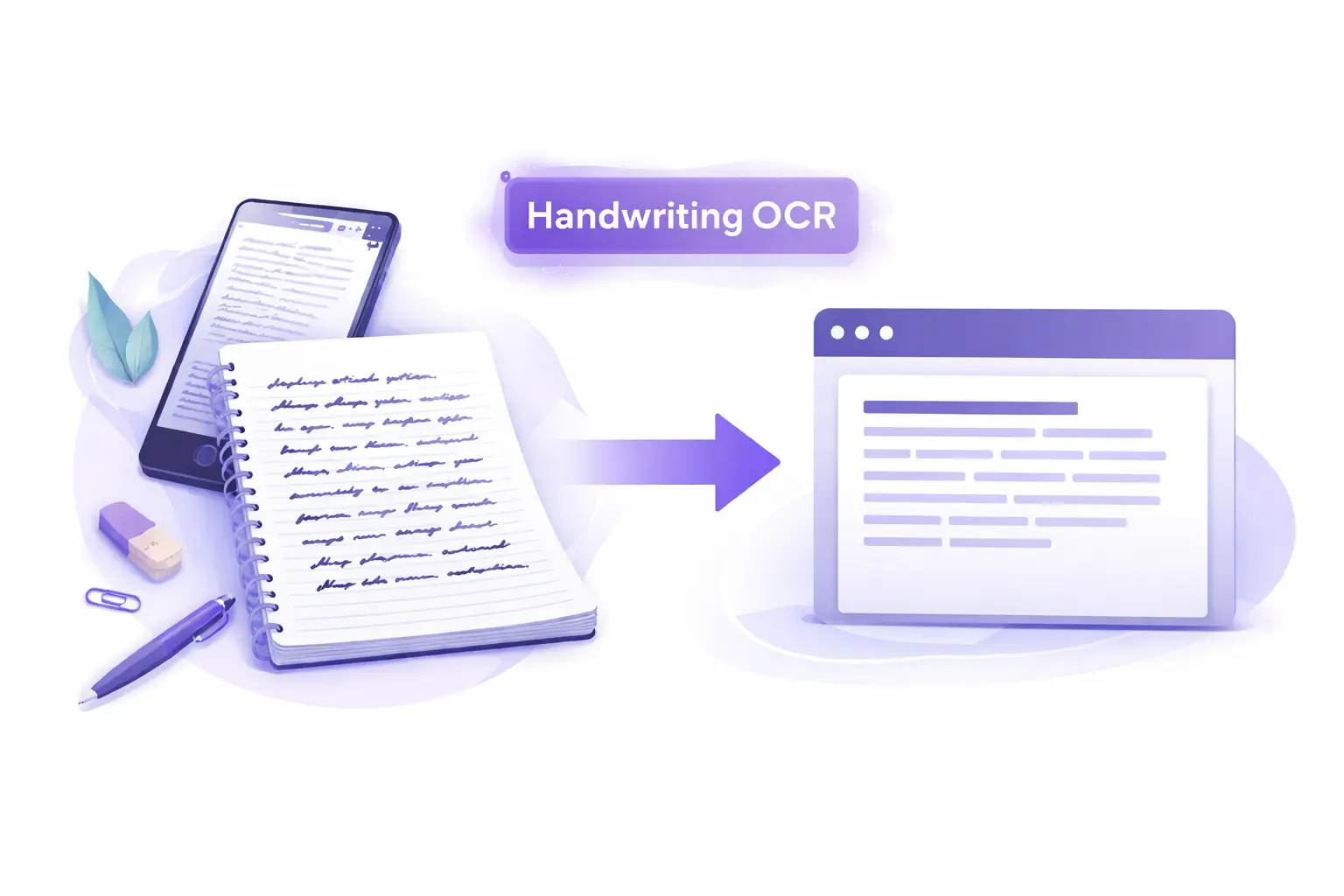
How to Use Our Handwriting to Text Converter?
You can easily convert your handwritten notes and documents into digital text using our free online tool in just a few simple steps:
Upload your image
To get started, upload a photo or scan of your handwritten content using browse, drag-and-drop, copy-paste, or URL.
Start the conversion process
Once your image is uploaded, use the Crop option to frame your handwriting if needed. Then hit the Convert button to start the text extraction process.
Copy or download your text
After your handwriting has been recognized and converted, you can save or use the output instantly. Click the Download icon to save the text to your device, or click the Copy icon to bring it to your clipboard so that you can paste it elsewhere.
Key Features of This Handwriting OCR Tool
Fast Handwriting OCR Processing:
Our handwriting to text converter works very fast. Your uploaded images are scanned, and the handwritten content is extracted in a matter of seconds.
AI-Powered Handwritten Text Recognition:
This handwriting reader uses advanced OCR technology and AI to recognize handwritten text with high precision. Before finalizing the output, the results are validated against relevant contexts to keep accuracy as high as possible.
Works on All Devices:
You can use this tool on any device, whether that's a phone, tablet, or laptop. It works across all platforms and operating systems, including Android, iOS, Windows, and Linux.
Multi-Language Support:
You can upload handwritten content in any language. Our handwriting OCR supports more than 20 languages, and as long as the language is Unicode-supported, it will work just fine.
All Format Support:
It doesn't matter what format your handwritten image is in. Our tool supports all popular image file formats, including JPG, PNG, GIF, JFIF (JPEG), HEIC, and PDF.
Secure Image Processing:
We don't store or share your images. All files are securely processed and automatically removed from our servers after a limited retention period.
Batch Conversion Support:
Our tool supports batch conversion, so you can upload up to 10 files at once and extract handwritten text from all of them in one go.
Cursive Handwriting Recognition Support:
Cursive writing is harder for OCR tools, but ours handles it well. This AI cursive reader is trained to process connected, flowing letterforms and convert them into clean digital text, so you're not limited to block letters or printed writing.
Use Cases of This Handwriting to Text Converter
Blurry or Low-Resolution Images:
Our handwriting to text converter can pull written content even from low-resolution or slightly blurry images. If the photo of your notes isn't perfectly sharp, the tool can still recognize the characters and extract them accurately.
Handwritten Math and Equations:
This handwritten text recognition tool can also recognize handwritten mathematical syntax and equations. If you upload photos of class notes with handwritten equations, fractions, or problem sets, it will scan and present them in the correct Unicode format.
Research and Academic Workflows:
You can speed up your research by extracting key information from handwritten physical documents without copying everything by hand. All you need to do is upload, convert, and that’s it.
Notes and Assignment Digitization:
Do you have a lot of handwritten notes or assignments? Upload them to our handwritten notes to text converter and get clean, editable text back in seconds, without manually typing a single word. For printed notes or scanned documents, try our free image to text converter instead.
Forms and Physical Document Processing:
If you have hand-filled forms, applications, or physical paperwork, our tool can extract the written content and make it digitally usable without manual data entry.
Books and Manuscript Digitization:
You can also use our tool for digitizing handwritten manuscripts. There's a ten-file upload limit per session, but no limit on how many sessions you run.
Who Can Use This Handwriting to Text Converter?
Writer
Writers can use this online handwriting to text converter to bring their handwritten drafts and brainstorming sessions into the digital world without retyping a single word. If you prefer writing your first drafts by hand or filling notebooks with ideas on the go, simply photograph your pages and get clean, editable text back in seconds.
Researcher
Researchers can utilize this writing to text converter to digitize handwritten field notes, interview transcripts, annotations, and archival documents quickly and accurately. Instead of spending hours manually transcribing written records, you can simply upload your images and extract the text in seconds.
Student
For students, this handwriting to text converter can help turn handwritten class notes, study guides, and assignments into editable digital text in seconds. You don’t have to retype pages of notes before an exam or lose important information on a crumpled sheet of paper. Just photograph your notebook, upload it, and get clean, searchable text you can organize, highlight, and revise however you need.
Teacher
Teachers can use this handwriting OCR to digitize hand-filled student worksheets, handwritten feedback, lesson plan drafts, and classroom notes without manual data entry. It makes it easy to archive student work and keep everything organized.
Frequently Asked Questions (FAQs)
Below, we answer some questions that you might have regarding our tool.
How to Convert Handwriting to Text Online?
Follow these simple steps to convert handwritten notes into editable text using our handwriting to text converter:
- Upload your handwritten image (JPG, PNG, or PDF)
- Click the “Convert” button to start the process
- Wait a few seconds while the tool extracts the text
- Copy the text or download it to your device
For a broader comparison of all extraction methods, see our step-by-step guide to extract text from images.
Is this handwriting to text converter free to use?
Yes. The tool is completely free to use. No account, subscription, or installation is needed. Just upload your image and start converting right away.
How accurate is the handwriting recognition?
Accuracy is high for clear, well-lit images with legible handwriting. Our AI-based recognition engine is trained to handle a wide range of handwriting styles, including cursive, and post-processing validation helps improve results further.
Can this tool read cursive handwriting?
Yes. Our tool works as a cursive translator that is specifically trained to recognize cursive and connected handwriting. It can even read and convert hard-to-read, poorly handwritten images to text accurately.
What types of handwritten content can I upload?
You can upload photos or scans of handwritten notes, notebooks, journals, worksheets, filled forms, manuscripts, and any other handwritten documents. The tool works with handwriting captured in any setting.
Is my uploaded handwriting image kept private?
Yes. Your uploaded files are processed securely and are never stored or shared. All images are automatically removed from our servers once processing is complete.
Can I convert multiple handwritten pages at once?
Yes. The tool supports batch conversion, allowing you to upload up to 10 files in a single session. There is no limit on the number of sessions you can run.
Is there a daily usage limit?
No. There is no daily limit. You can convert as many handwritten images as you need, completely free of charge.
What if my handwritten image is blurry or low resolution?
The tool is designed to handle low-resolution and slightly blurry images. While clearer images always produce the best results, our AI can still recognize and extract text from imperfect photos in most cases.
Does this tool recognize doctor handwriting?
Yes, it can recognize and convert doctor handwriting, including prescriptions and medical notes, into readable digital text. However, accuracy may vary depending on the clarity and quality of the handwriting.
Which type of handwriting does this tool support?
This tool supports a wide range of handwriting styles, including print, cursive, pre-cursive, D’Nealian, calligraphy, and italic.