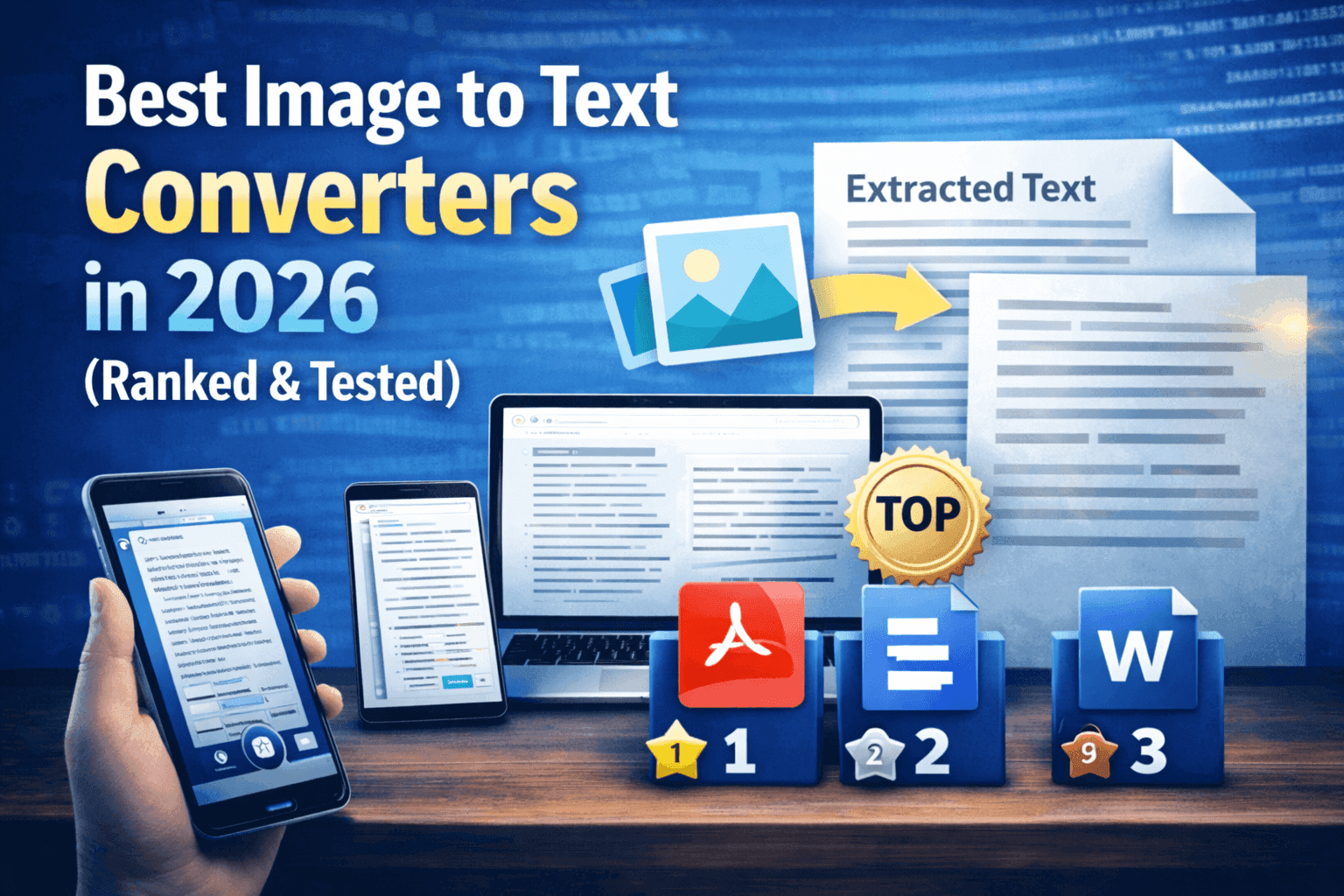
Converting images into editable text using an OCR tool can save hours of manual typing. However, choosing the right tool is the first step.
There are many image to text converters available online, but finding the best image to text converter that is accurate, secure, and free can be challenging. Some tools lack accuracy, others come with strict limitations, and not all platforms are secure enough to trust with your files.
To make things easier, we tested and compared the 7 most popular tools available today to help you find a reliable option for your needs.
In this guide, we’ve ranked the best image to text converters in 2026 based on accuracy, features, speed, and ease of use.
A Quick Comparison of Top Image to Text Converters
Before diving into the detailed reviews, here’s a quick comparison of the best image to text converters based on their key features, strengths, and limitations. This overview will help you quickly identify which OCR tool fits your needs.
Tool | Key Features | Strengths | Limitations |
Imagetotextocr.com | AI-based OCR, batch processing (multiple images), handwriting recognition, multi-language support, no signup | Fast processing, supports multiple files at once, good for handwritten & low-res images | Basic UI, limited advanced export formats |
Imagetotext.info | OCR for images & PDFs, simple upload interface, text extraction | Easy to use, supports common formats | Advanced features like structured extraction may be limited |
OnlineOCR.net | OCR for images, PDFs, and scanned docs, multiple output formats (Word, Excel), language support | Reliable and widely used, supports document conversion | Free version has limits on file size/pages |
Image to Text Converter by Card Scanner | Mobile-focused OCR, real-time scanning via camera, text extraction | Strong mobile usability, quick scanning on the go | Less suitable for bulk or desktop workflows |
Imagetotext.io | AI OCR, supports multiple formats, quick text extraction | Simple interface, fast results | Fewer advanced editing/export features |
Imgocr.com | AI-powered OCR, bulk processing, handwriting recognition, multilingual detection, TXT export | High accuracy for clear text, supports multiple images, no login required | Free version may limit bulk uploads |
Small SEO Tools (Image to Text) | OCR with multiple formats, multilingual support, browser-based | Trusted SEO tool suite, no installation needed | Limited advanced OCR capabilities |
Now, let’s move on to discussing all of these tools one by one.
1. Imagetotextocr.com
Best for: Fast, free OCR with batch processing and handwriting recognition
Accuracy: ★★★★★
Speed: ★★★★★
Rating: 4.8/5
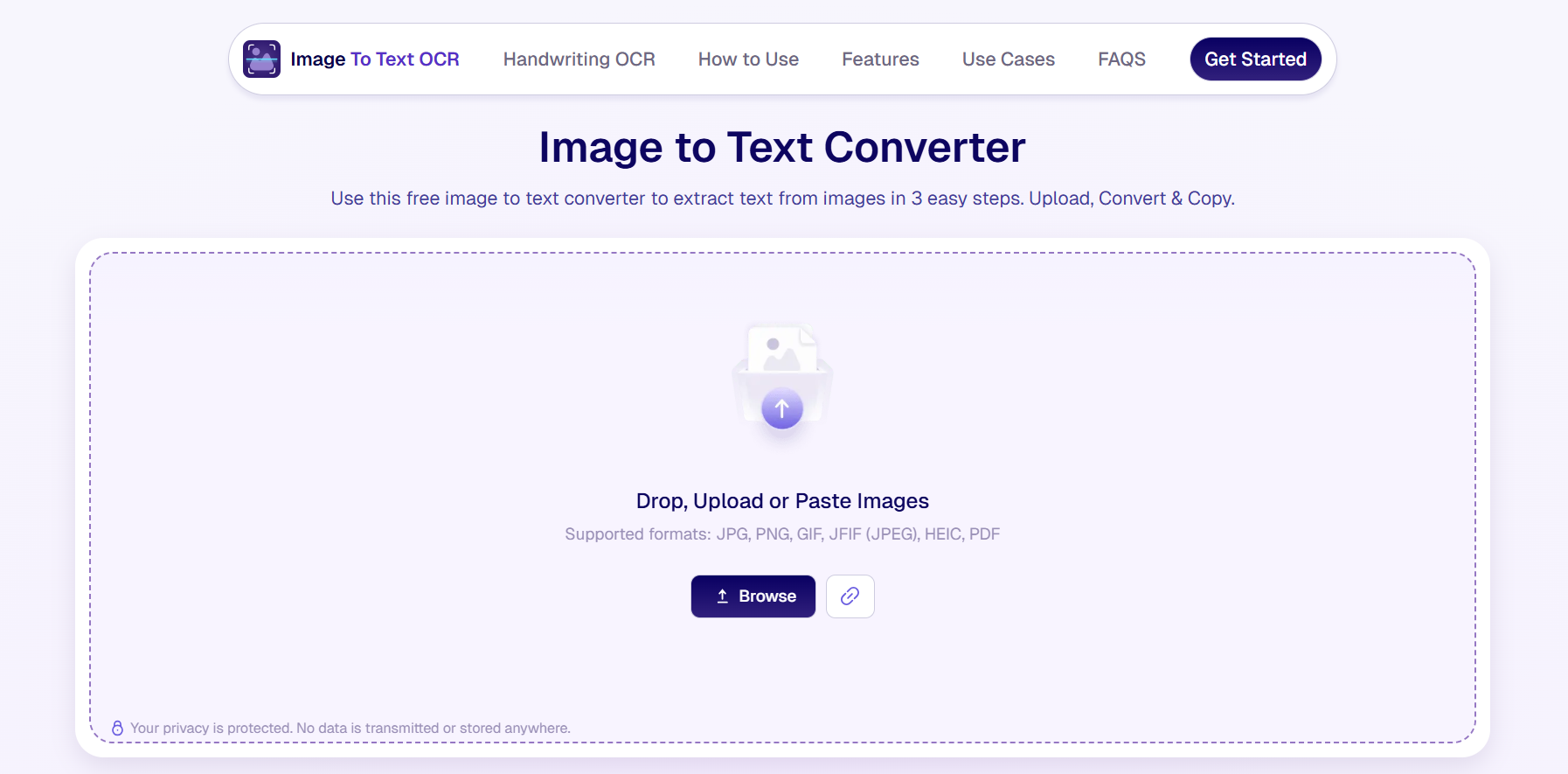
The first and most recommended tool on our list is Imagetotextocr.com. This newly launched, advanced AI-powered free image to text converter allows you to extract text from images, PDFs, and screenshots with high accuracy. It utilizes AI in its core functionality to recognize poor handwriting, extract text from blurry or low-resolution images, and deliver highly accurate results. It works quickly, supports multiple file uploads at once, making it ideal for users with bulk documents.
One of the best things about this tool is that it is 100% free, and it also doesn’t have annoying limits like most other tools. As a free user, you can add up to 10 images at the same time.
More features for this tool are provided below.
Main Features
- AI-powered OCR: Extracts text from images, PDFs, and screenshots with strong accuracy
- Batch processing: Allows multiple images to be uploaded and converted at once
- Handwriting recognition: Converts handwritten notes into editable digital text
- Multi-format support: Works with common formats like JPG, PNG, GIF, HEIC, and PDF
- Multi-language support: Supports a wide range of languages for text extraction
- One-click copy/download: Let users quickly copy or download extracted text
- No signup required: Fully accessible without registration or installation
- Cross-device compatibility: Works smoothly on mobile, tablet, and desktop
- Secure processing: Files are processed temporarily and not stored long-term
Pricing Details
Currently, Imagetotextocr.com is completely free to use. It doesn’t have any paid plans at present.
2. Imagetotext.info
Best for: Simple and quick OCR for basic image and PDF text extraction
Accuracy: ★★★★☆
Speed: ★★★☆☆
Rating: 4.7/5
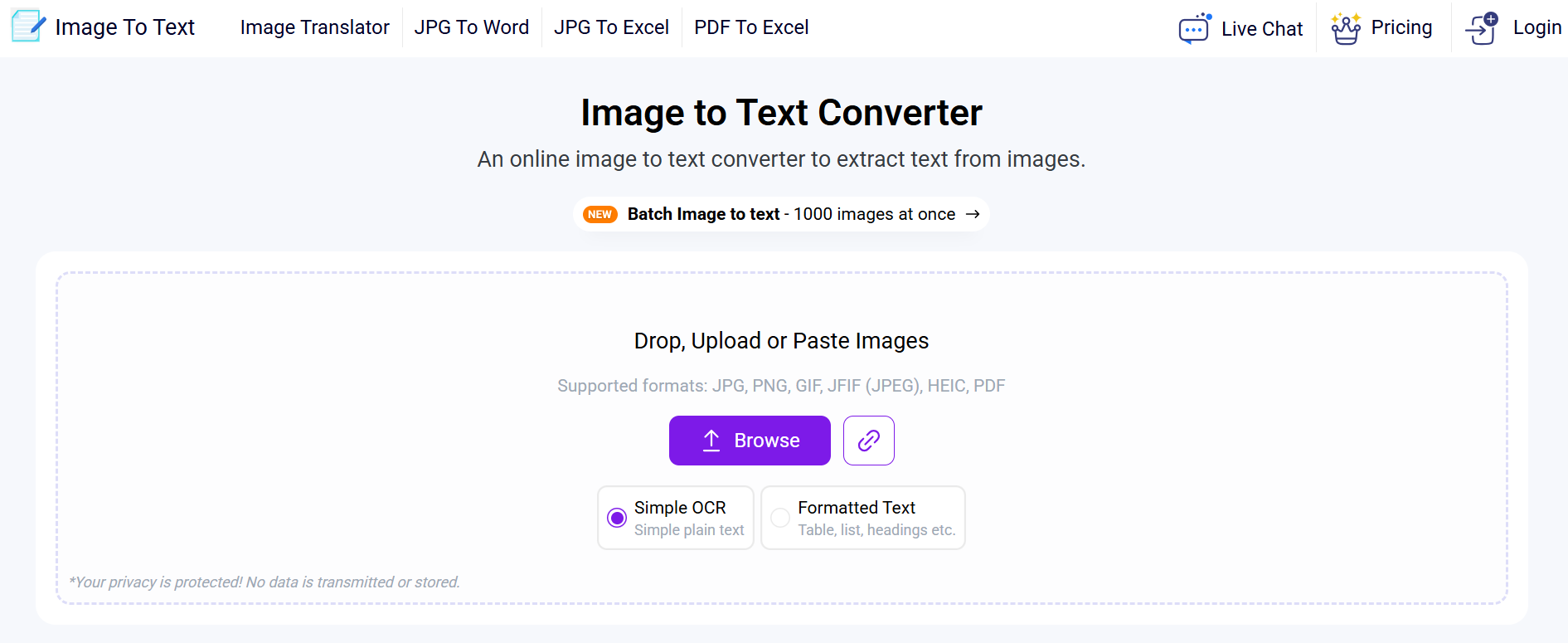
Next on our list is Imagetotext.info. This tool is an excellent choice for beginners due to its user-friendly interface. It allows for the extraction of simple text as well as formatted text, which is good for pictures containing itemized lists and tables, etc.
Main Features
- Image and PDF OCR: Extracts text from both images and PDF documents
- Simple interface: Clean and minimal design that gets you to your output fast
- Quick processing: Delivers results within seconds for standard extraction tasks
- Multi-format support: Works with common formats like JPG, PNG, and PDF
- No installation required: Entirely browser-based, nothing to download
- Copy-ready output: Extracted text is immediately available to copy or use
- Beginner-friendly: No technical knowledge needed to get started
Pricing Details
Free Plan: Yes
Paid Plan: Starting from $6/month
API / Enterprise: $9/week and $24/month
3. Onlineocr.net
Best for: Converting scanned documents and images into editable Word and Excel files
Accuracy: ★★★★☆
Speed: ★★★★☆
Rating: 4.5/5
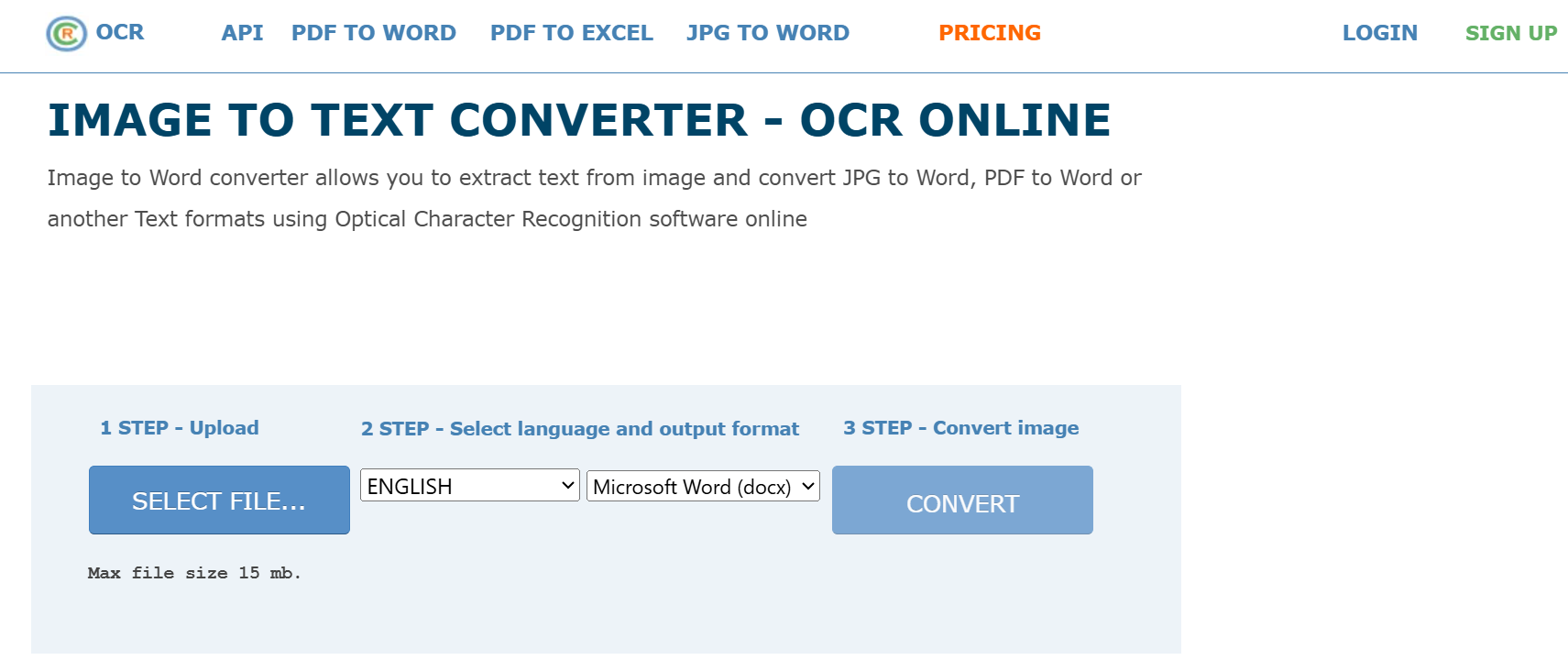
Next up on our list is Onlineocr.net. This tool is a great option for users who want to convert their PNG and JPG images not directly to text, but in a text-based file format like .docx, .xlsx, or .txt.
It has a dated and old layout, but it works well where it matters.
Main Features
- Multi-format output: Converts extracted text into Word, Excel, and plain text formats
- Image and PDF support: Works with scanned documents, images, and PDF files
- Multi-language support: Recognizes text in a wide range of languages
- No registration needed: Basic use is accessible without creating an account
- Document layout retention: Attempts to preserve the original formatting of scanned files
- Browser-based: No software installation required
- Widely tested: One of the older and more established free OCR tools available
Pricing Details
Free Plan: Yes
Paid Plan: Starting from $9.95/week
API / Enterprise: Available on contact
4. Image to Text Converter by Card Scanner
Best for: Mobile users who need quick, on-the-go text extraction via camera scanning
Accuracy: ★★★★☆
Speed: ★★★★☆
Rating: 4.5/5
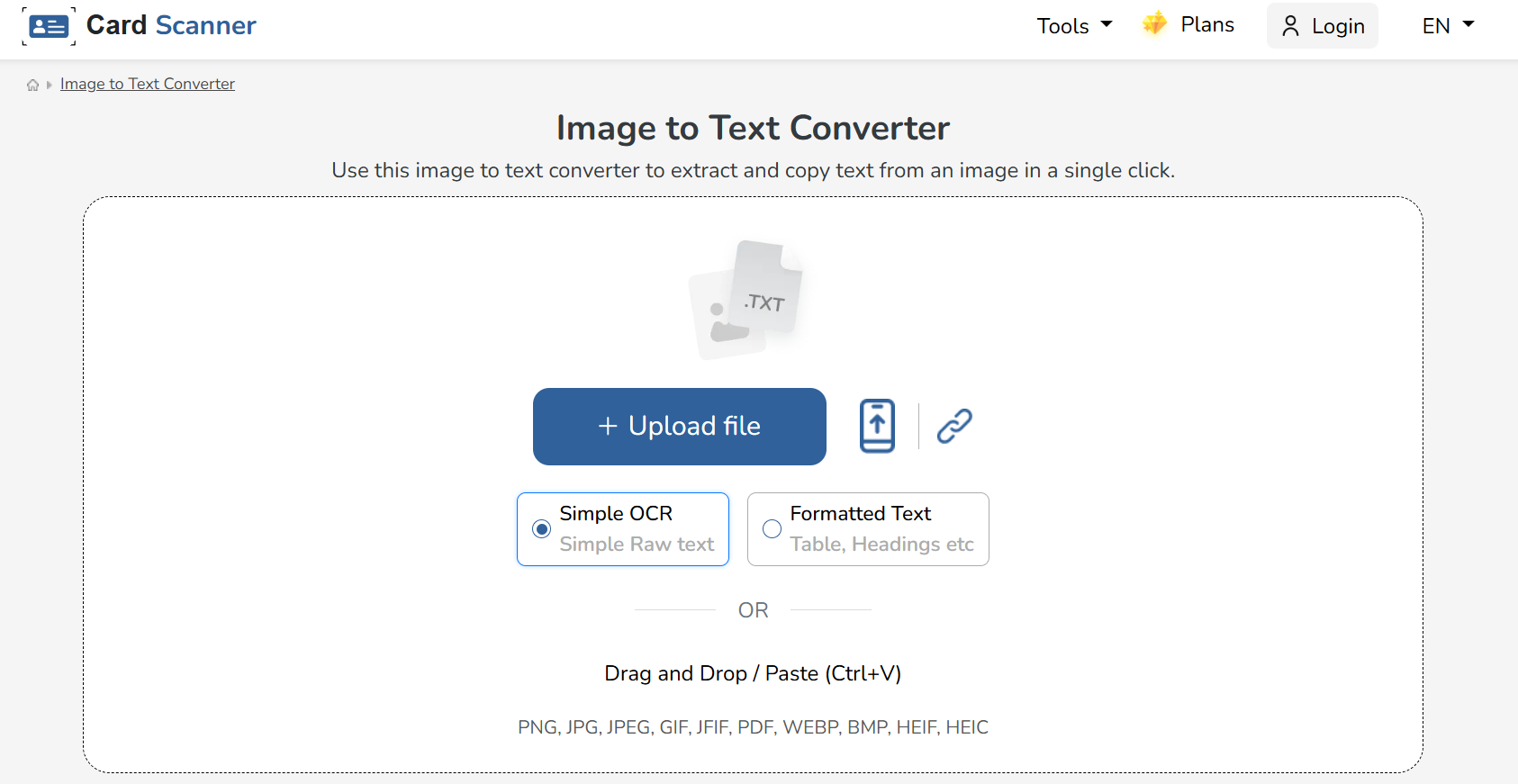
The image-to-text converter by Cardscanner.co is a good tool for users who want to snap pictures on the go and extract text from them. In the mobile version of the tool, there is an option that you can use to directly take images using your device’s camera.
As is the case with Imagetotext.info, this tool also provides an option for simple OCR extraction and formatted text extraction.
The various importing methods, including drag and drop, file browsing, direct photos, and URL fetching, are also a big plus for this tool.
Main Features
- Real-time camera scanning: Captures and extracts text directly through your phone camera
- Mobile-optimized: Built primarily for smartphone use with a clean mobile interface
- Quick text extraction: Delivers fast results from photos taken on the spot
- Multiple format support: Works with images captured or uploaded from your device
- Copy and export options: Extracted text can be copied or shared instantly
- No desktop required: Designed to work entirely from a mobile device
- Lightweight and fast: Minimal load time and straightforward workflow
Pricing Details
Free Plan: Yes
Paid Plan: Starting from $3.79/month
API / Enterprise: Starting from $9.99/month
5. Imagetotext.io
Best for: Fast, straightforward AI-powered text extraction with a clean interface
Accuracy: ★★★☆☆
Speed: ★★★☆☆
Rating: 3.7/5
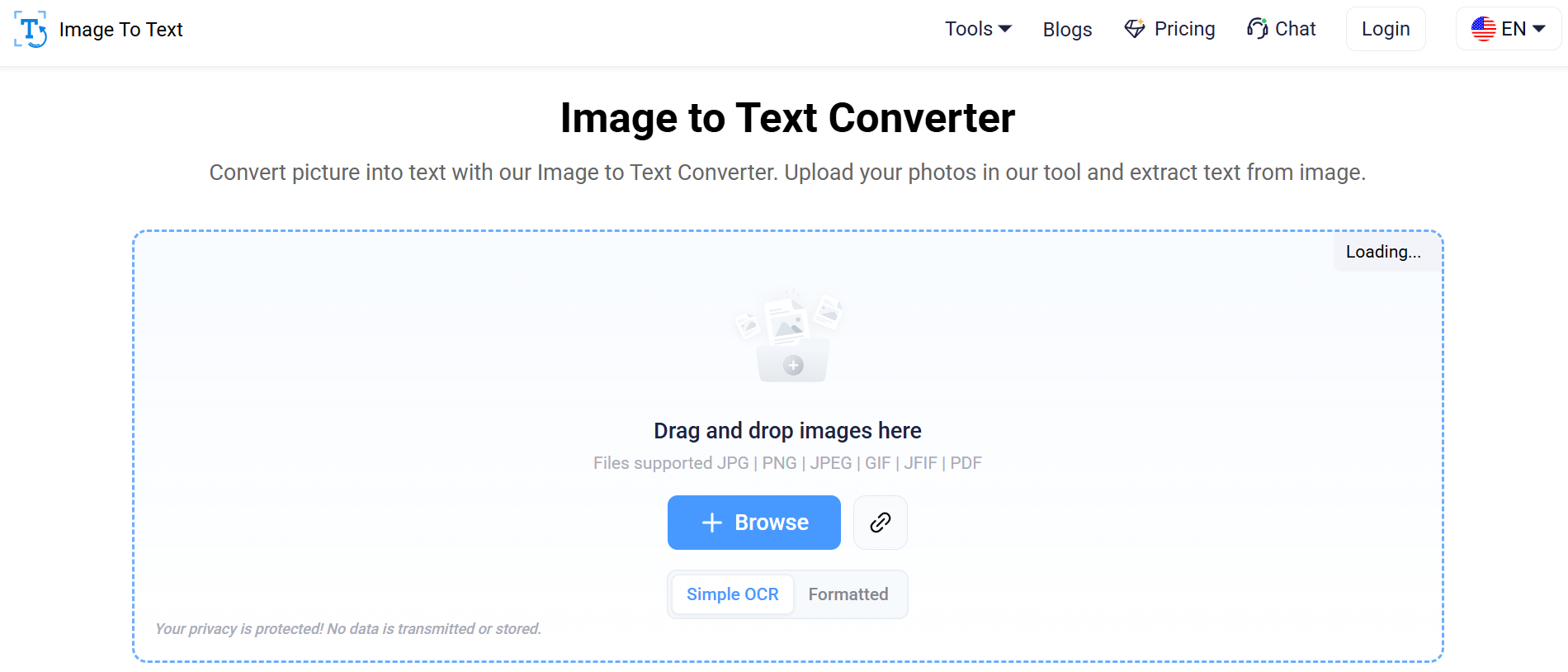
Imagetotext.io is similar to many other tools available online, such as Imagetotext.info. It has a plain and simple interface with the options neatly provided. You upload your files, extract your text, and that’s pretty much it.
That doesn’t mean, however, that the tool doesn’t work well. It does.
One of the standout features that we found on the tool is the History tab. You can view the older results of your image-to-text conversions in this tab. However, you have to upgrade to the paid, premium plan to access it.
Main Features
- AI-powered OCR: Uses AI to extract text from images with solid accuracy
- Multi-format support: Works with JPG, PNG, and other common image formats
- Quick processing: Returns extracted text within seconds of upload
- No signup required: Accessible without registration or account creation
- Copy and download options: Extracted text can be copied or saved instantly
- Browser-based: No installation or plugins needed
- Simple workflow: Upload, extract, and copy in just a few clicks
Pricing Details
Free Plan: Yes
Paid Plan: Basic plan cost $6/month
API / Enterprise: Available on contact
6. Imgocr.com
Best for: Handwriting recognition and bulk uploads with no login required
Accuracy: ★★★★☆
Speed: ★★★☆☆
Rating: 3.5/5
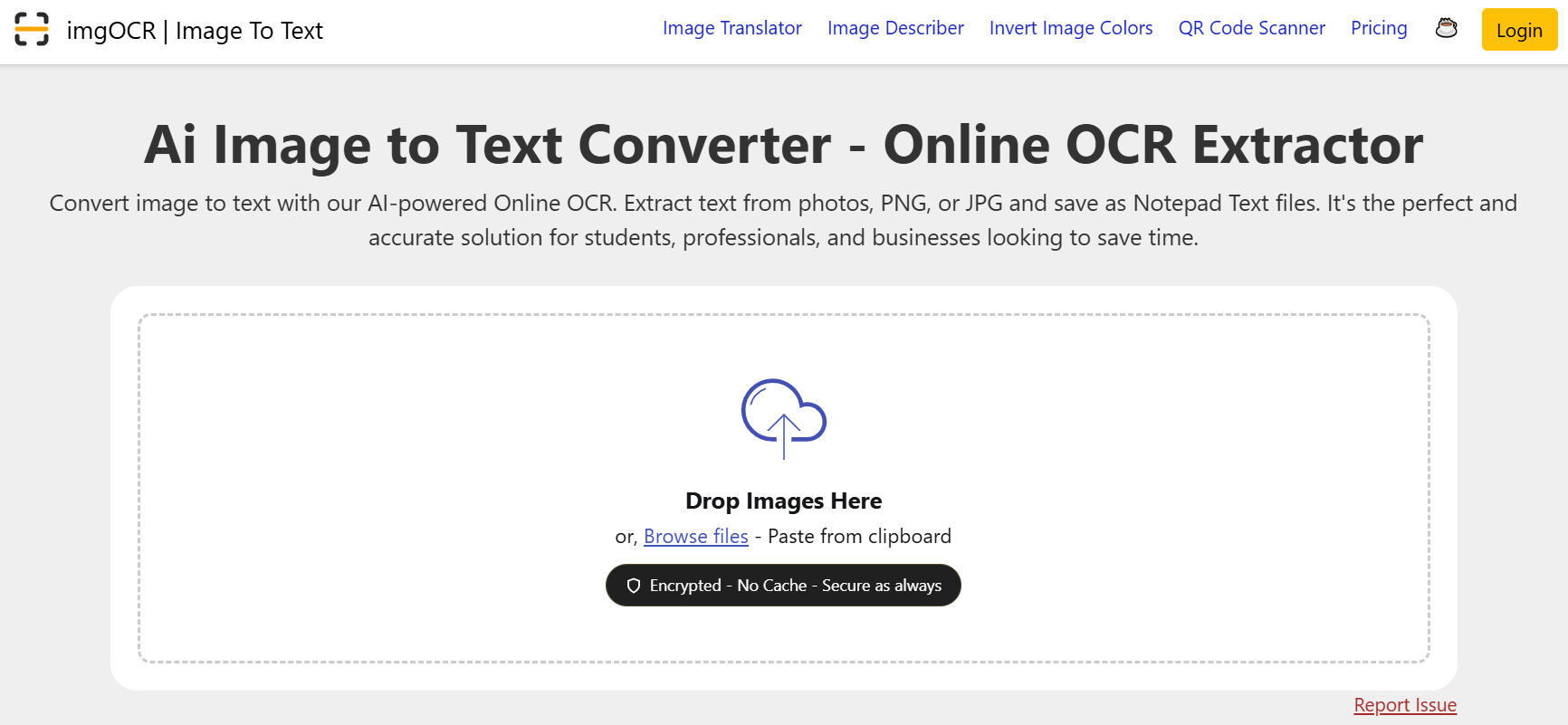
Imgocr.com does itself the injustice of overloading the interface with ads that make it look very shady and low-end. Other than that, however, the features and functions that it provides are quite satisfactory.
Like the other tools on this list, it allows you to upload multiple images at the same time and offers a number of importing methods, such as file browsing, direct copy-pasting, and so on.
Main Features
- AI-powered OCR: Delivers high accuracy for clear and complex images alike
- Handwriting recognition: Detects and converts handwritten text into a digital format
- Multilingual detection: Automatically identifies and extracts text in multiple languages
- TXT export: Extracted text can be downloaded as a plain text file
- No login required: Fully usable without creating an account
- Multi-format support: Works with JPG, PNG, and other standard image formats
- Multiple image support: Free users can process up to 3 images per session
Pricing Details
Free Plan: Yes
Paid Plan: Starting from $3.99/week and $14.99/month
API / Enterprise: Pricing starts from $4.99
7. Image to Text Converter by Small SEO Tools
Best for: Quick browser-based OCR for marketers and content creators already in the Small SEO Tools ecosystem
Accuracy: ★★★★☆
Speed: ★★★☆☆
Rating: 4.0/5
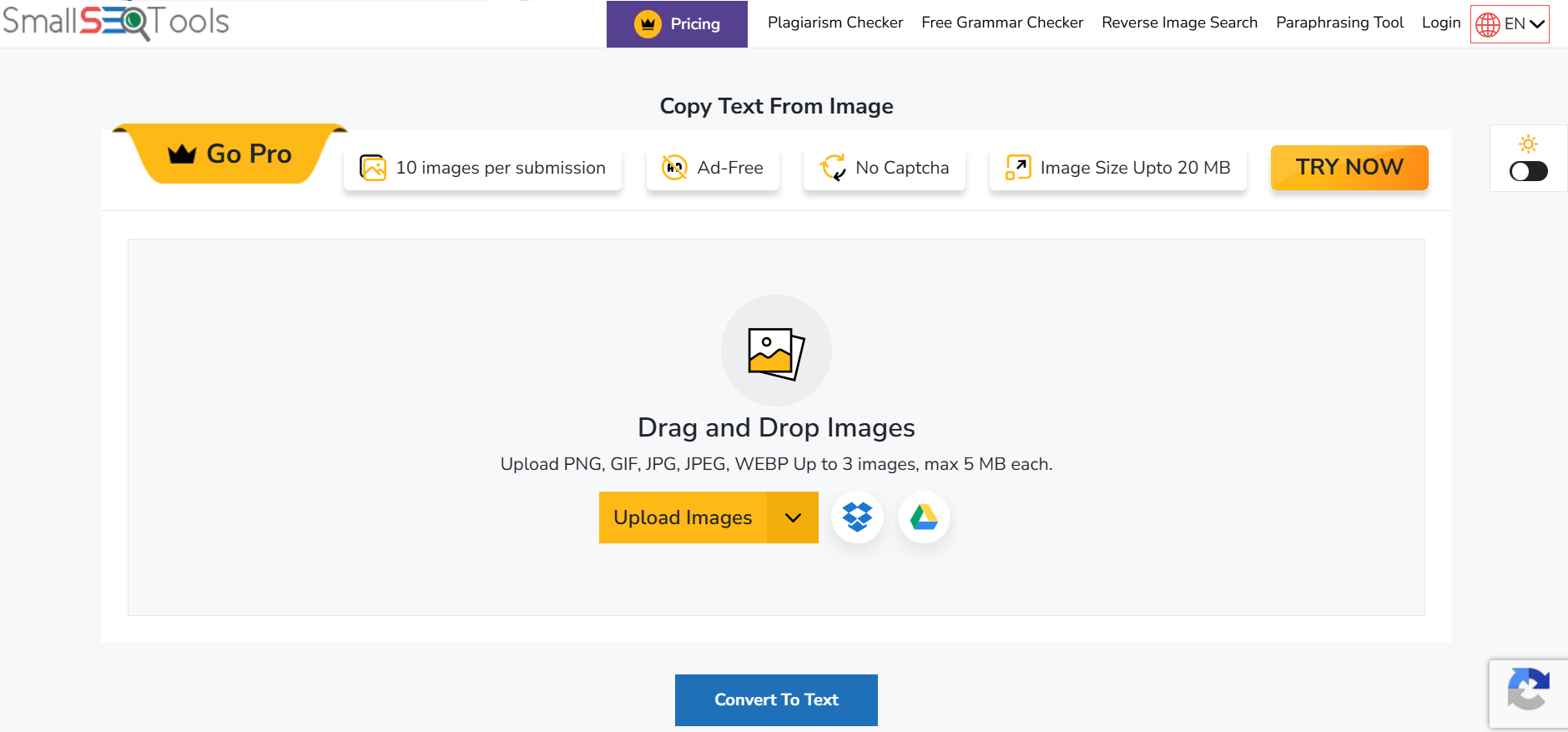
Next on our list is the image-to-text converter by SmallSEOTools.
Since this tool is offered by SmallSEOTools, it is a part of a much bigger suite. For users who require other tools on the website, it can be very convenient and worthwhile to have an OCR tool included in the pile.
As far as the features and functions go, the image-to-text converter offers them generously. There is support for up to 3 images at the same time, and the importing methods include Dropbox and Google Drive integrations.
Main Features
- Browser-based OCR: Extracts text from images directly in the browser with no installation
- Multi-format support: Works with JPG, PNG, and other common image formats
- Multilingual support: Handles text extraction across multiple languages
- No signup required: Accessible without registration
- Integrated toolset: Pairs well with other tools in the Small SEO Tools suite
- Copy-ready output: Extracted text is immediately available to copy and use
- Simple interface: Straightforward layout with minimal steps to get results
Pricing Details
Free Plan: Yes
Paid Plan: Starting from $4.99/month
API / Enterprise: Available on contact
Frequently Asked Questions
What is the best image-to-text converter in 2026?
Imagetotextocr.com is the best image-to-text converter in 2026 for most users. It offers AI-powered OCR, supports up to 10 images at once, handles handwriting and low-resolution images, and is completely free with no signup required. For users needing document output formats like Word or Excel, OnlineOCR.net is the best alternative.
Which image-to-text converter is best for handwriting?
Imagetotextocr.com and Imgocr.com are the best image-to-text converters for handwriting recognition. Both use AI-based OCR trained specifically for handwritten input. For best results, upload a clear, well-lit image of your handwriting.
Are free image-to-text converters accurate?
Yes, free image-to-text converters are accurate enough for most everyday tasks. Tools like Imagetotextocr.com and OnlineOCR.net deliver strong accuracy for printed text and scanned documents. Accuracy drops on very blurry images or complex handwriting — in those cases, a premium plan improves results.
Is it safe to upload documents to an online OCR tool?
Yes, reputable OCR tools process your files temporarily and delete them after conversion. Always check the privacy policy of any tool before uploading sensitive documents.
Can I use these tools on my phone?
Yes. All the tools reviewed in this article are browser-based and work on mobile devices. If you specifically need on-the-go camera scanning, the Image to Text Converter by Card Scanner is optimized for mobile and lets you capture text directly using your phone's camera.
Wrapping Up
And with that, we are going to end our list of the best image-to-text converters.
All seven tools we mentioned above do a great job at converting images into editable text. They also come with useful extras like multi-language support, bulk uploads, and different file format options.
If you need one recommendation, go with Imagetotextocr.com. It is fast, accurate, completely free, and requires no signup or installation.
For saving text as a Word or Excel file, OnlineOCR.net is the better pick. And for mobile users, the Card Scanner tool is the most convenient option on the list.
All of these tools are free to try, so test a couple and see which one works best for you.