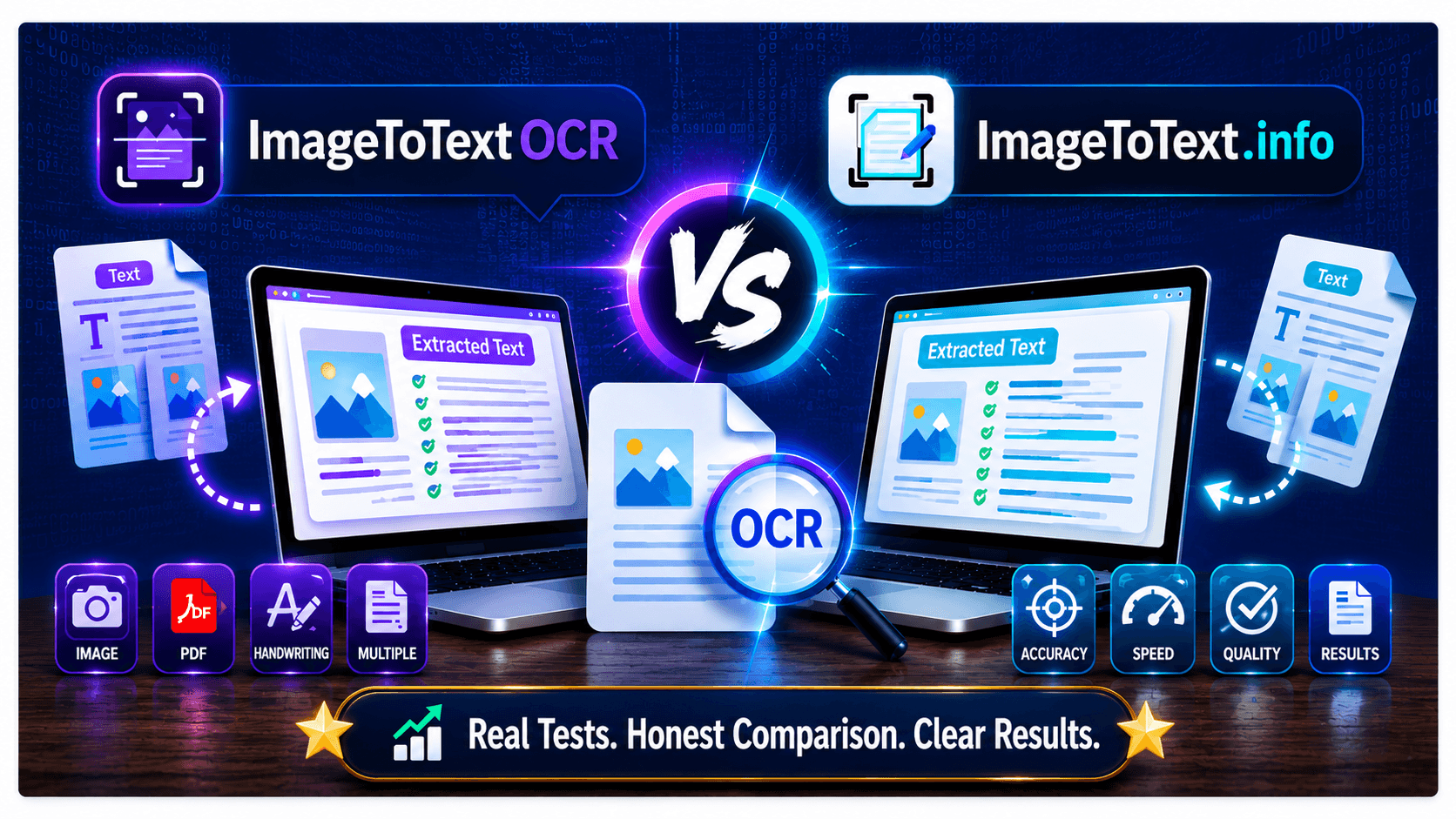
Discover the key differences between ImageToTextOCR and ImageToText.info and find the best image to text converter for your needs.
Let’s dive in.
What is ImageToTextOCR.com?
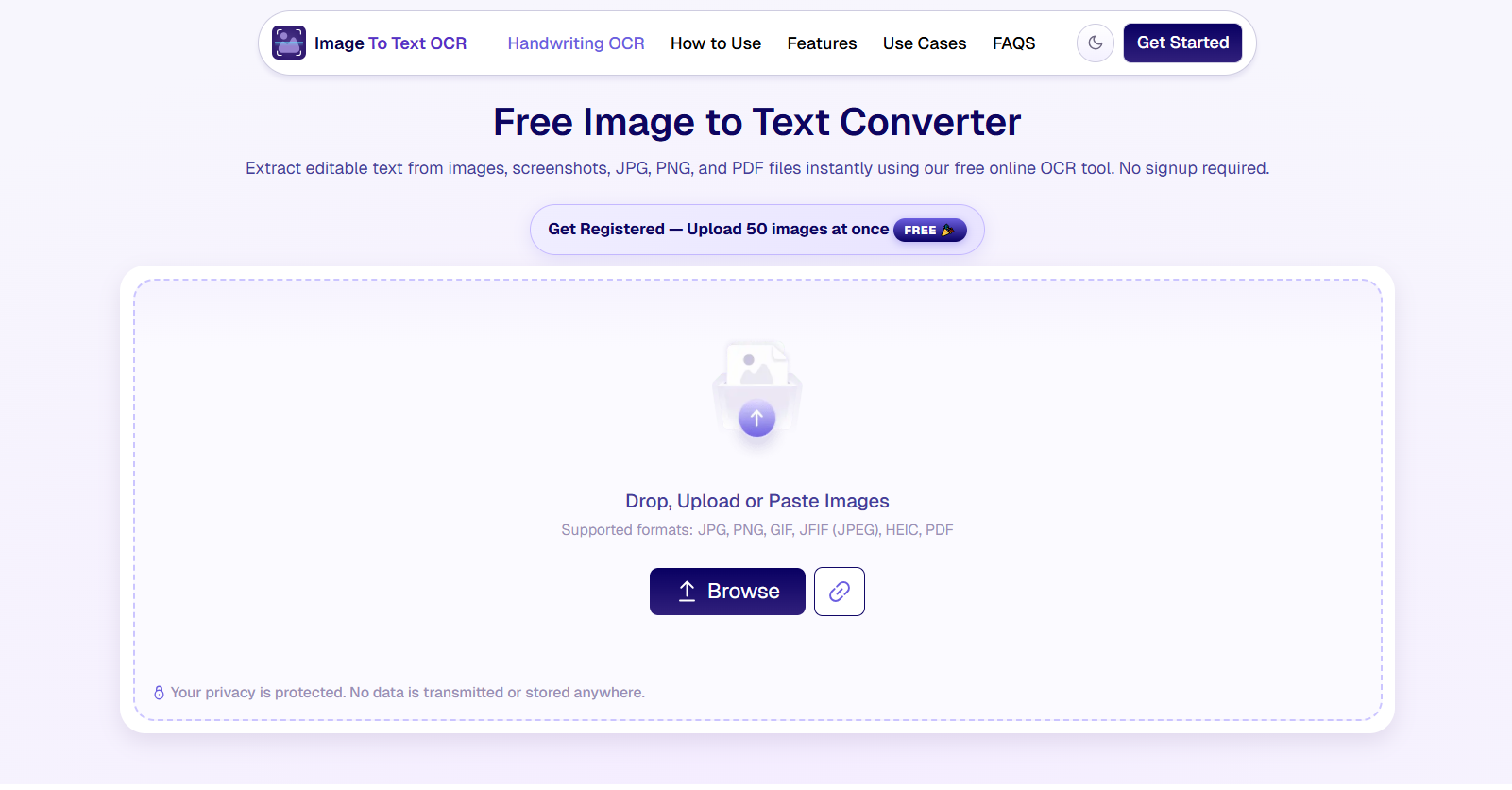
ImageToTextOCR is an free image to text converter that you can use to extract text from multiple images at once. It uses advanced optical character recognition (OCR) technology that recognizes the text within an image and extracts it with high accuracy.
This image to text converter provides an easy-to-use interface where you simply upload the picture, and it retrieves the text from it in seconds. You don’t have to sign up or register to use this tool.
What is ImageToText.info?
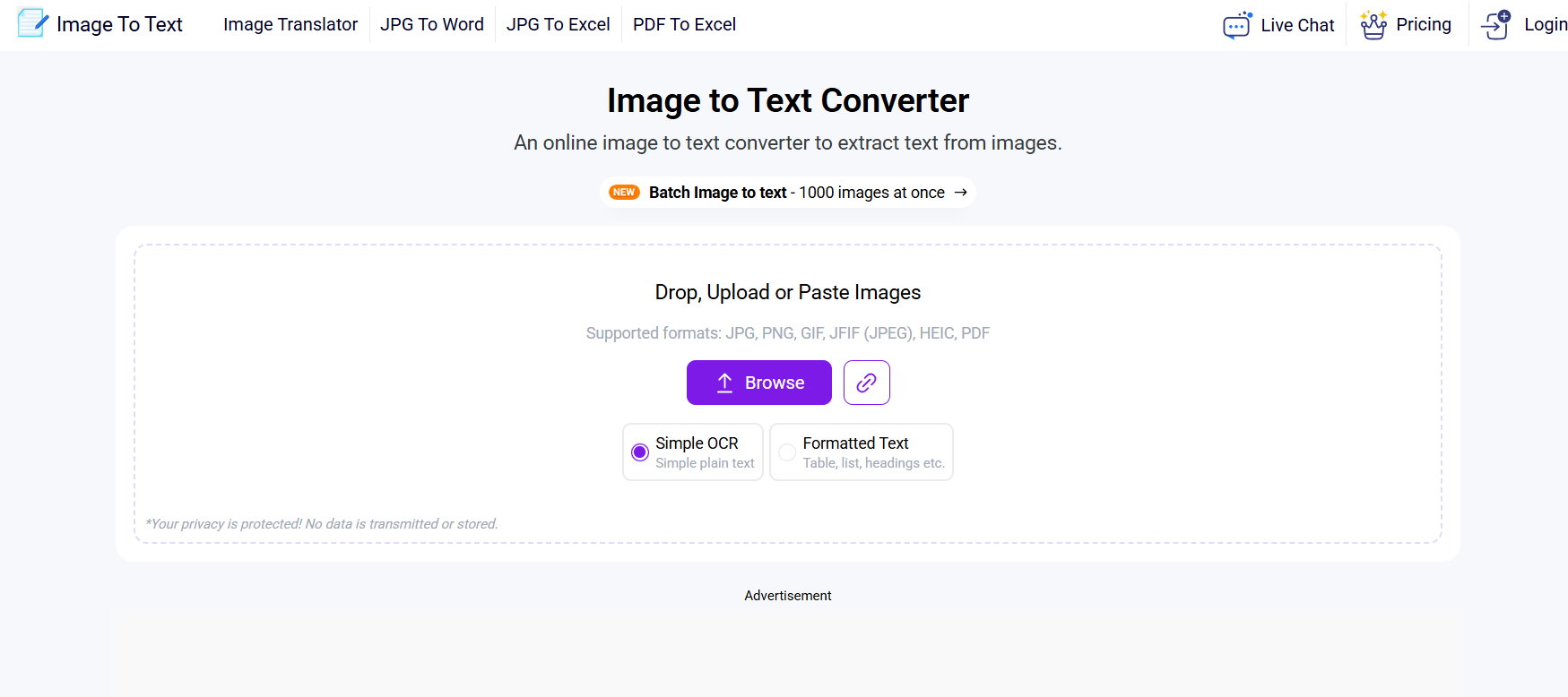
ImageToText.info is a freemium tool that retrieves text from pictures instantly. Similar to ImageToTextOCR.com, it also works on powerful algorithms that quickly analyze and extract text from images.
In the free usage, you can upload 2 images at a time and extract text from them. But if you want to increase the limit up to 25 submissions or more, then you must upgrade the account. ImagetoText.info also provides some other useful converters that you can try for free.
Quick Comparison Table : ImageToTextOCR vs ImageToText.info
Let’s do a side-by-side comparison of these image to text converters and see what sets them apart:
Features | ImageToTextOCR | ImageToText.info |
OCR Accuracy | ⭐⭐⭐⭐⭐ | ⭐⭐☆☆☆ |
Pricing | Completely free to use | Free plan + $6/monthly |
Account registration | Not needed | Required for bulk processing. |
No. of credits | Unlimited | 200 credits per day. |
Ads on screen | No ads | Yes |
Technology | Powered with advanced AI & OCR | Works on Tesseract (open-source) |
Batch processing (free) | Up to 50 images | 2 images only |
Handwriting Recognition | Excellent | Good |
Built-in crop tool | Available | Not available |
Output formation | Yes | Available for paid users. |
Supported formats | PNG, JPEG, JPG, GIF, JFIF, PDF, HEIC | Same as ImageTo TextOCR |
Mobile-friendly | Yes | Yes |
Dedicated Application | Not yet | Yes (for both mobile & desktop users) |
Data security | 100% safe and secure. | 100% safe and secure. |
Multilingual | 20+ languages | 23+ languages |
API Access | Not available | For paid users. |
Processing Speed | Faster | Moderate |
OCR Accuracy Comparison : ImageToTextOCR vs ImageToText.info
We will be testing both of these images to text converters with different types of images to check their capability and see which one extracts text more accurately.
Test 1: Printed documents
Let’s test a simple plain-text image and see if both tools can extract text from it.
Here’s the plain image we are using:

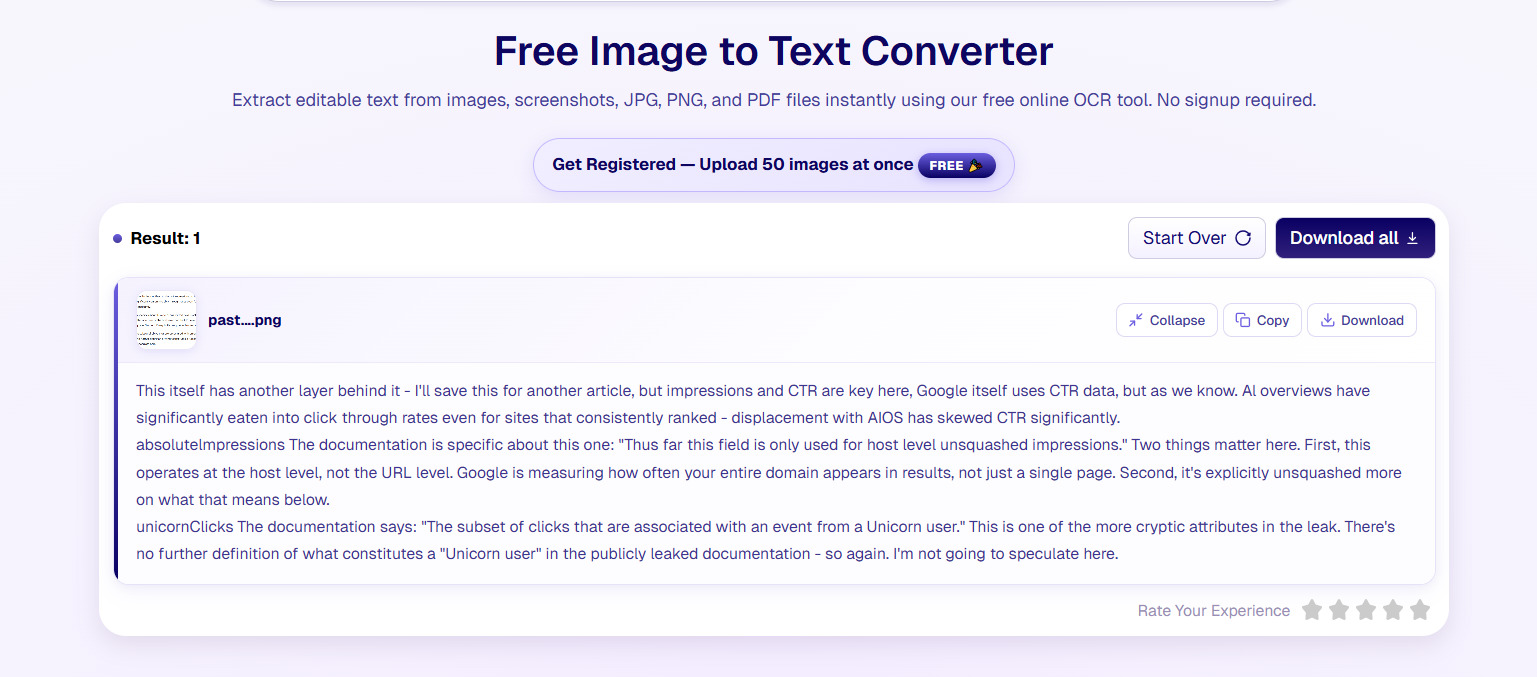
ImageToTextOCR Result:
ImageToText.info Result:
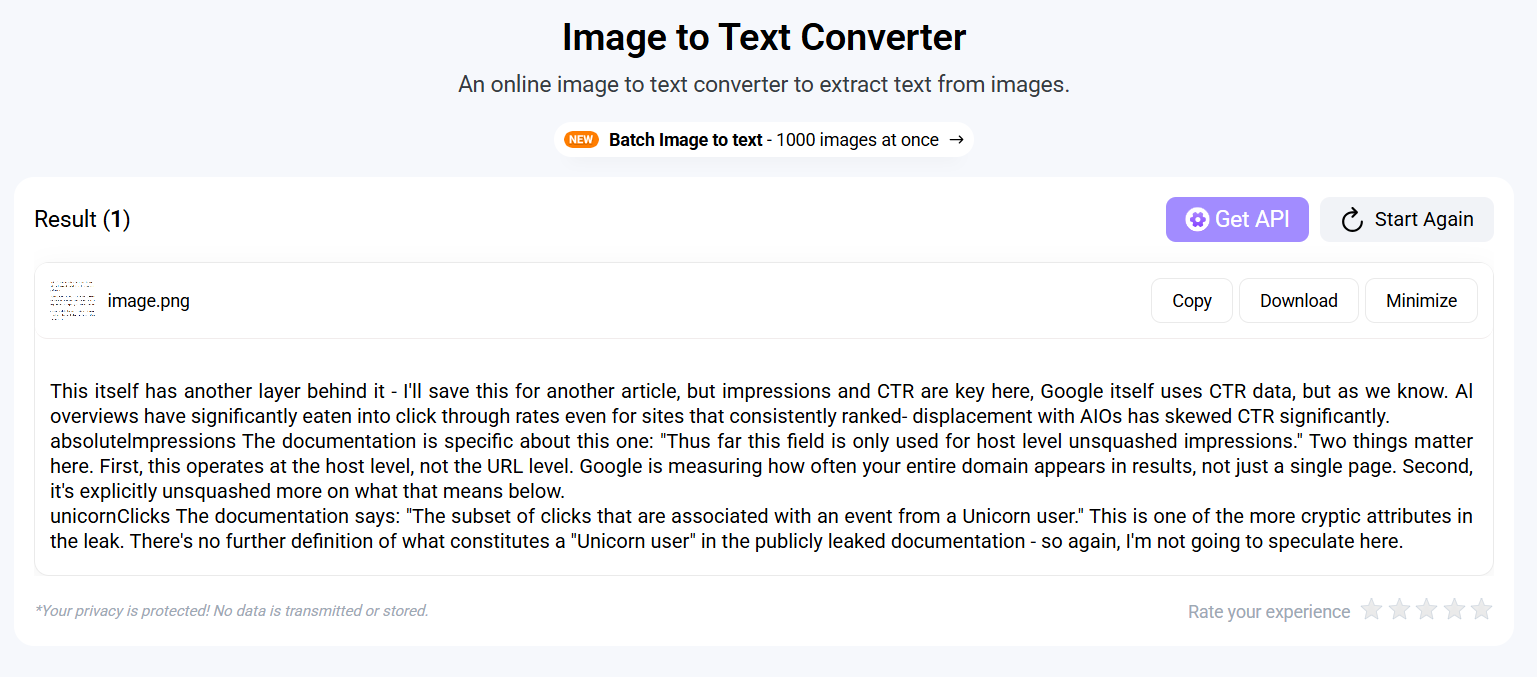
Verdict: Both picture to text converters extracted the printed text from a simple image with no typos. So, it’s a win-win for both sides.
- ImageToTextOCR: 1/5
- ImageToText.info: 1/5
Test 2: Handwritten Notes
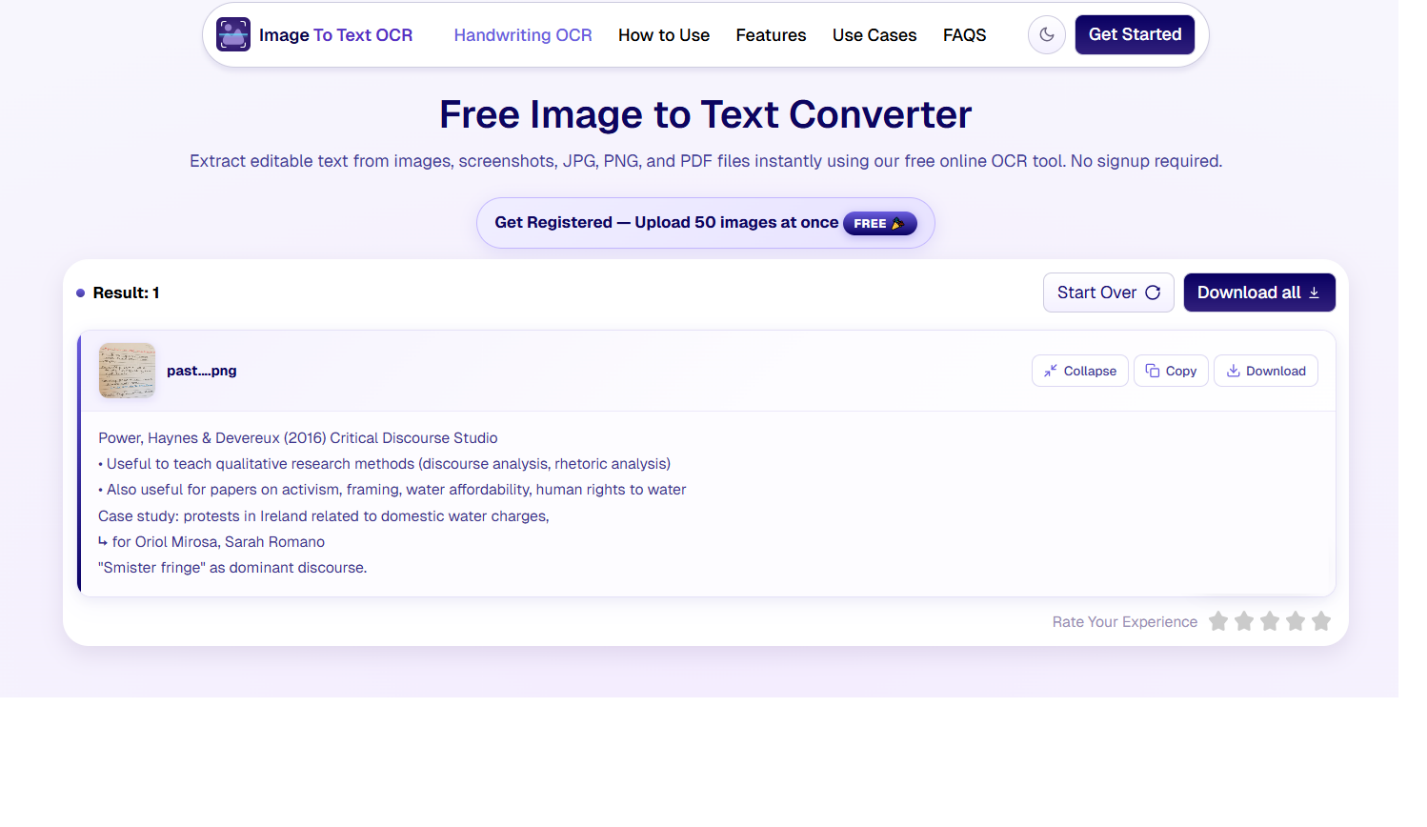
Following is the picture of handwritten notes that we will be using to test ImageToTextOCR and ImageToText.info.
ImageToTextOCR Result:
ImageToText.info Result:
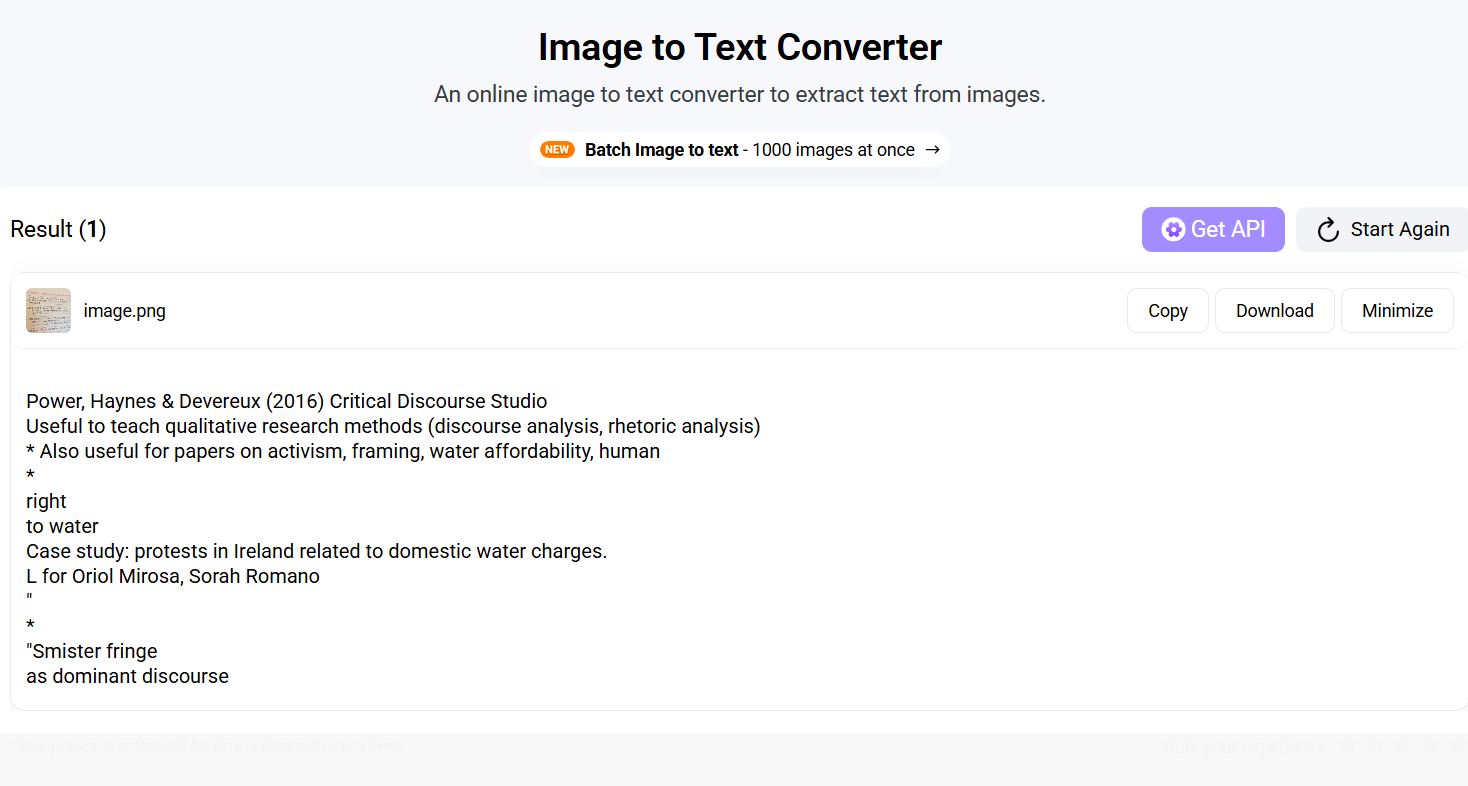
In this test, you can clearly see ImageToTextOCR has maintained the formation and extracted the text accurately from the handwritten picture, while ImageToText.info didn’t follow proper formatting.
Verdict: Therefore, ImageToTextOCR is a good choice for extracting text from handwriting notes.
- ImageToTextOCR: 2/5
- ImageToText.info: 1/5
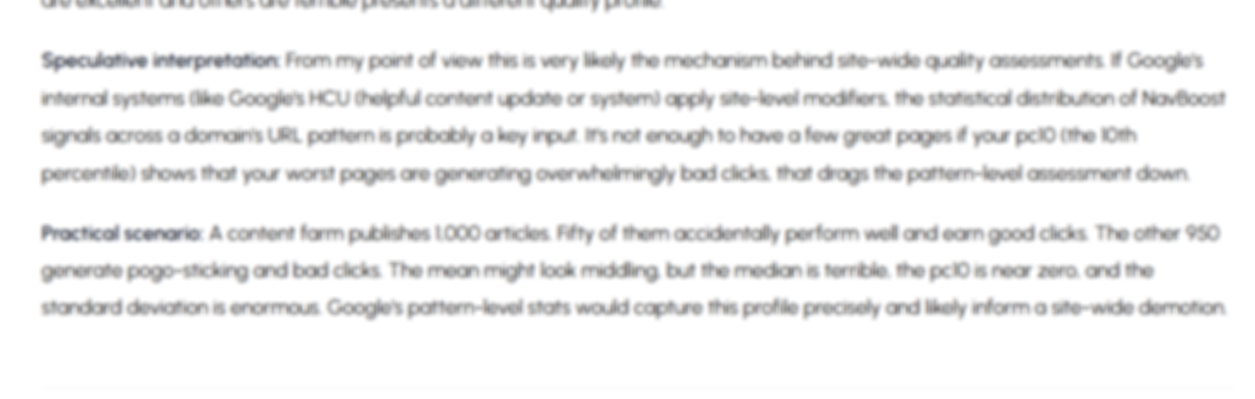
Test 3: Low-Resolution/Blurry Image
Let’s test both image to text converters with a blur picture and see if they can efficiently retrieve text.
ImageToTextOCR Result:
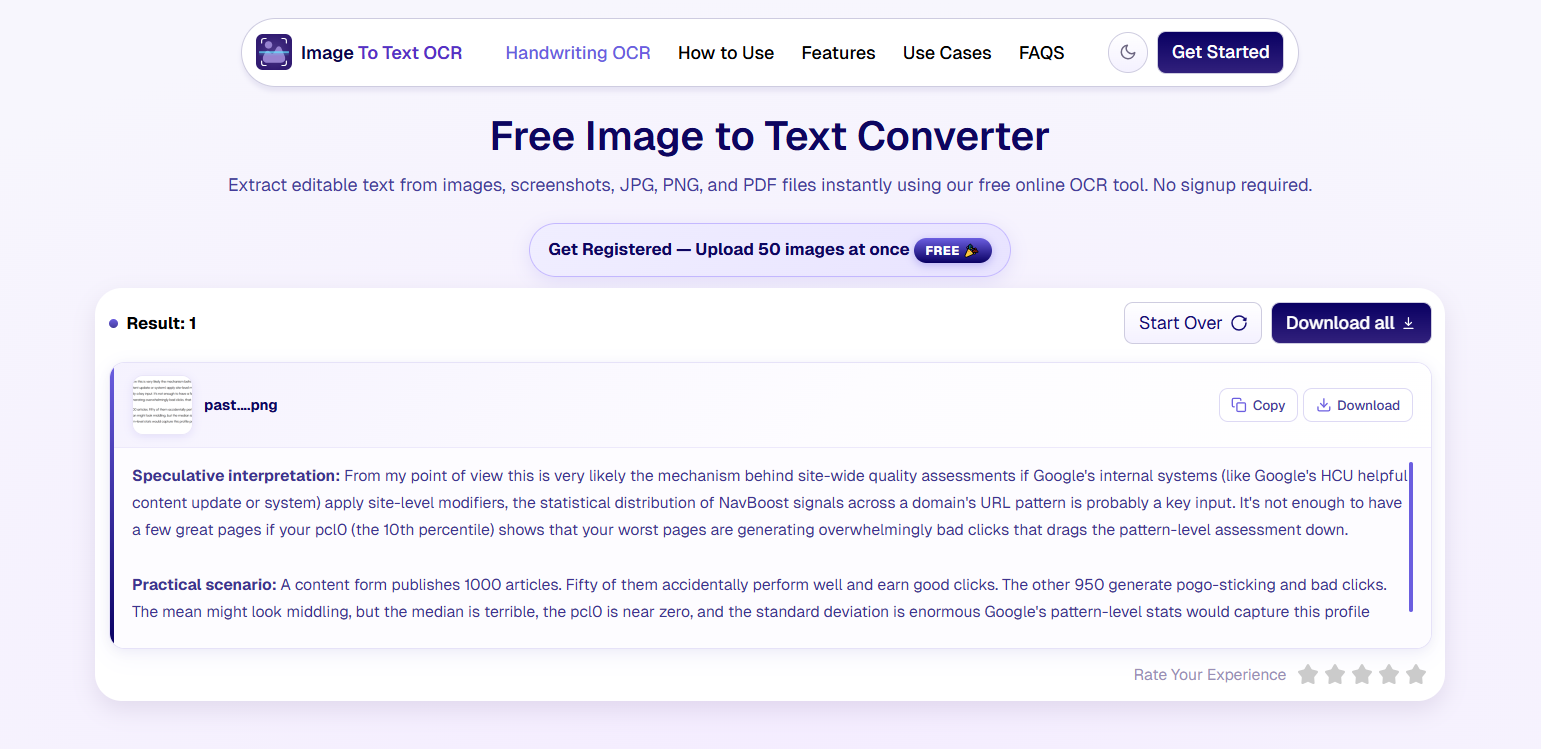
ImageToText.info Result:
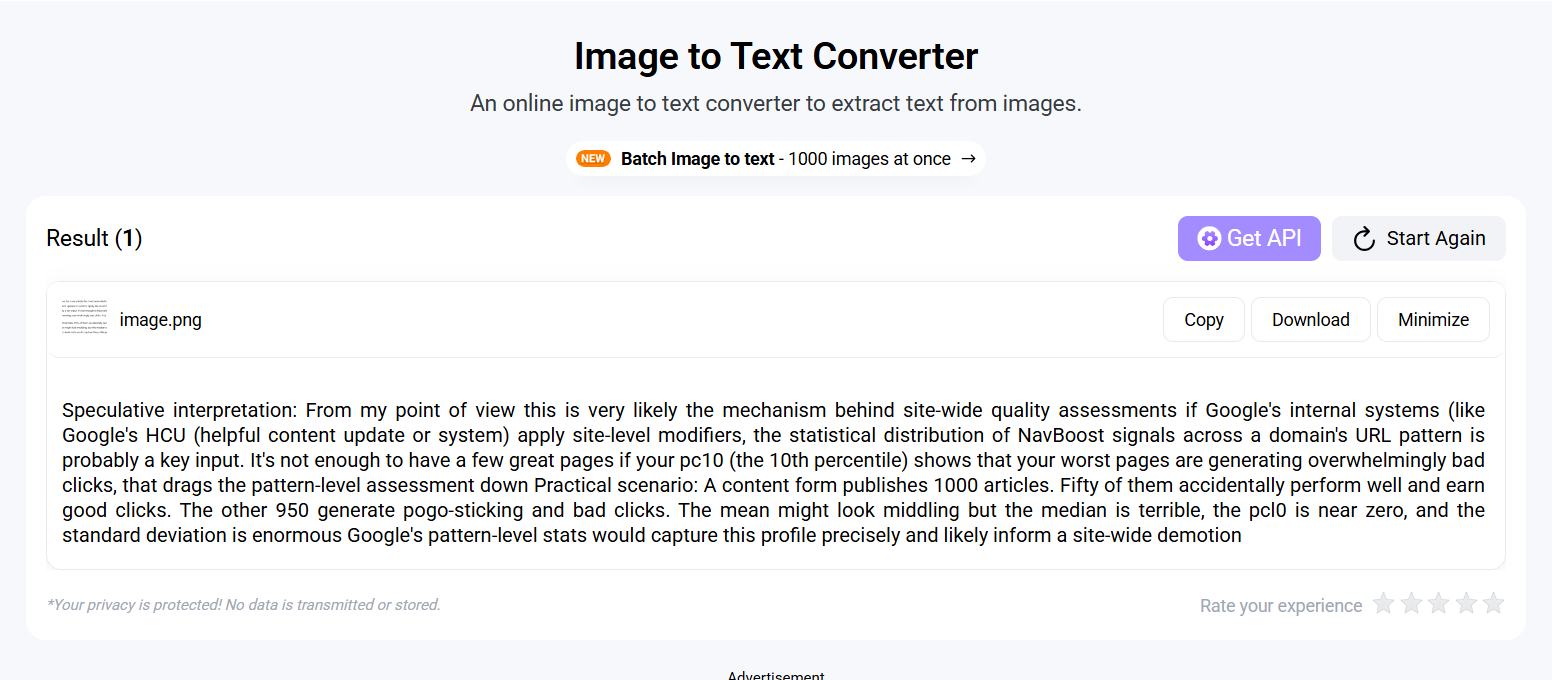
Verdict: If you compare both results, you will see that ImagetoTextOCR.com effectively retrieves the text without altering the formatting. While ImageToText.info extracted the text in plain style.
- ImageToTextOCR: 3/5
- ImageToText.info: 1/5
Test 4: Screenshot
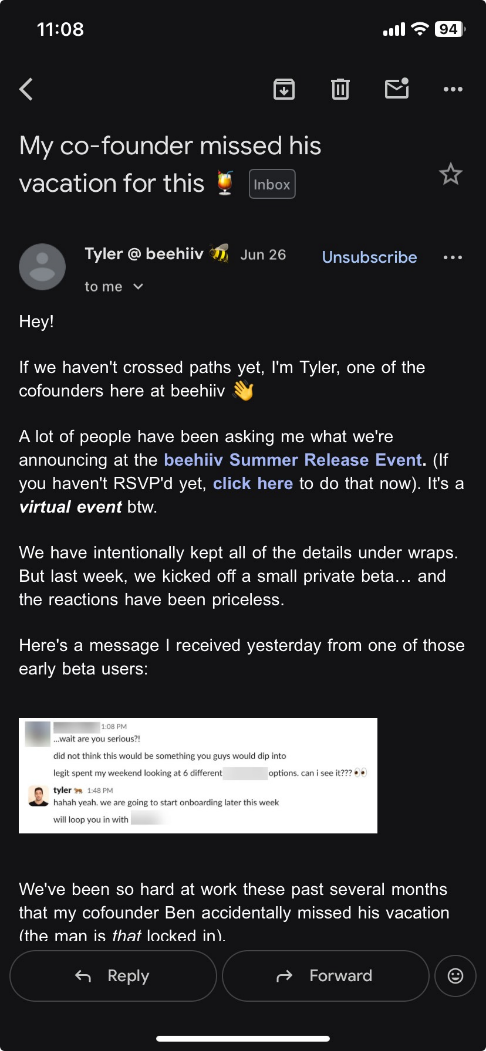
Below you will find the attached screenshot we are using to test both tools.
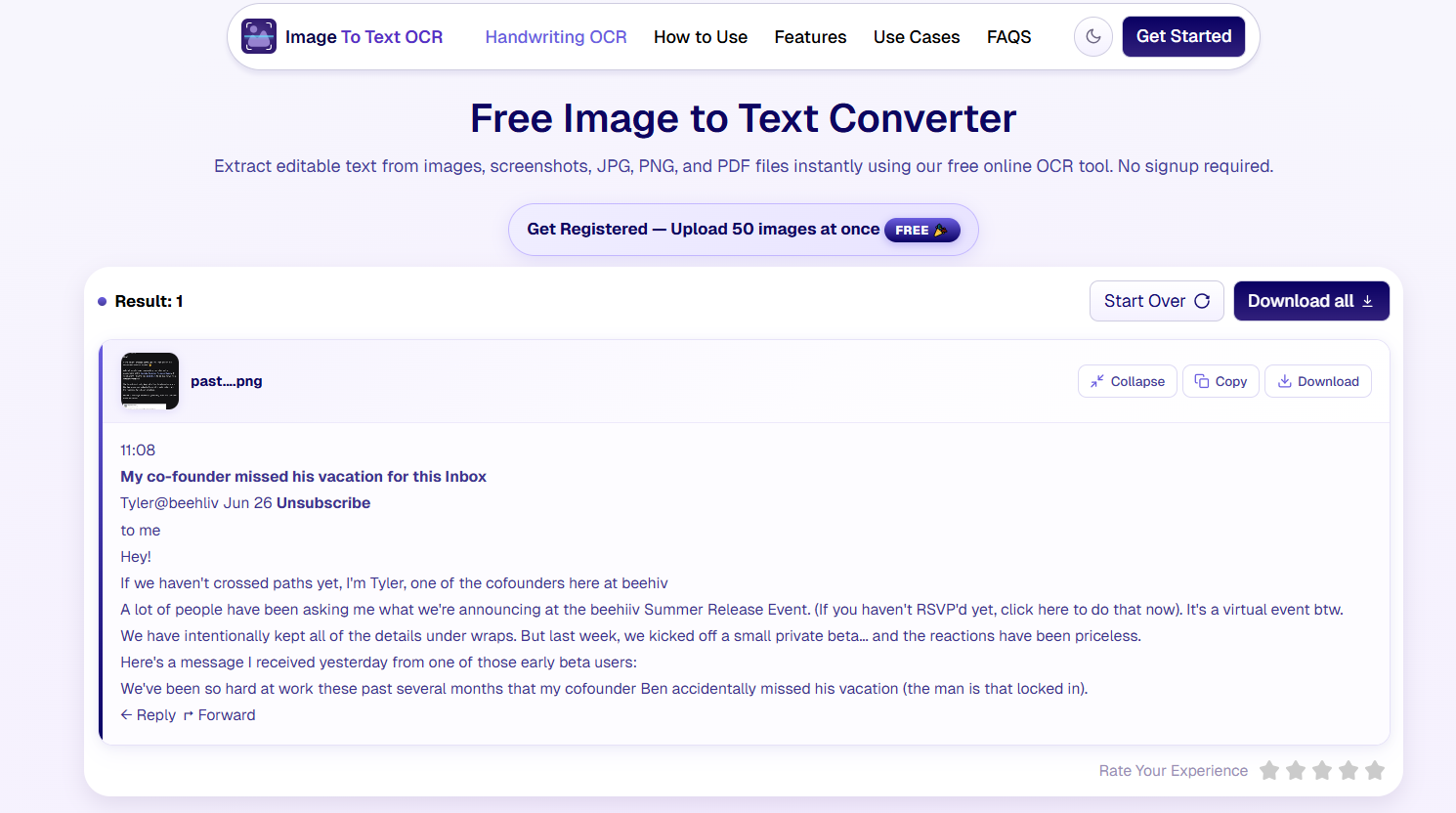
ImageToTextOCR Result:
ImageToText.info Result:
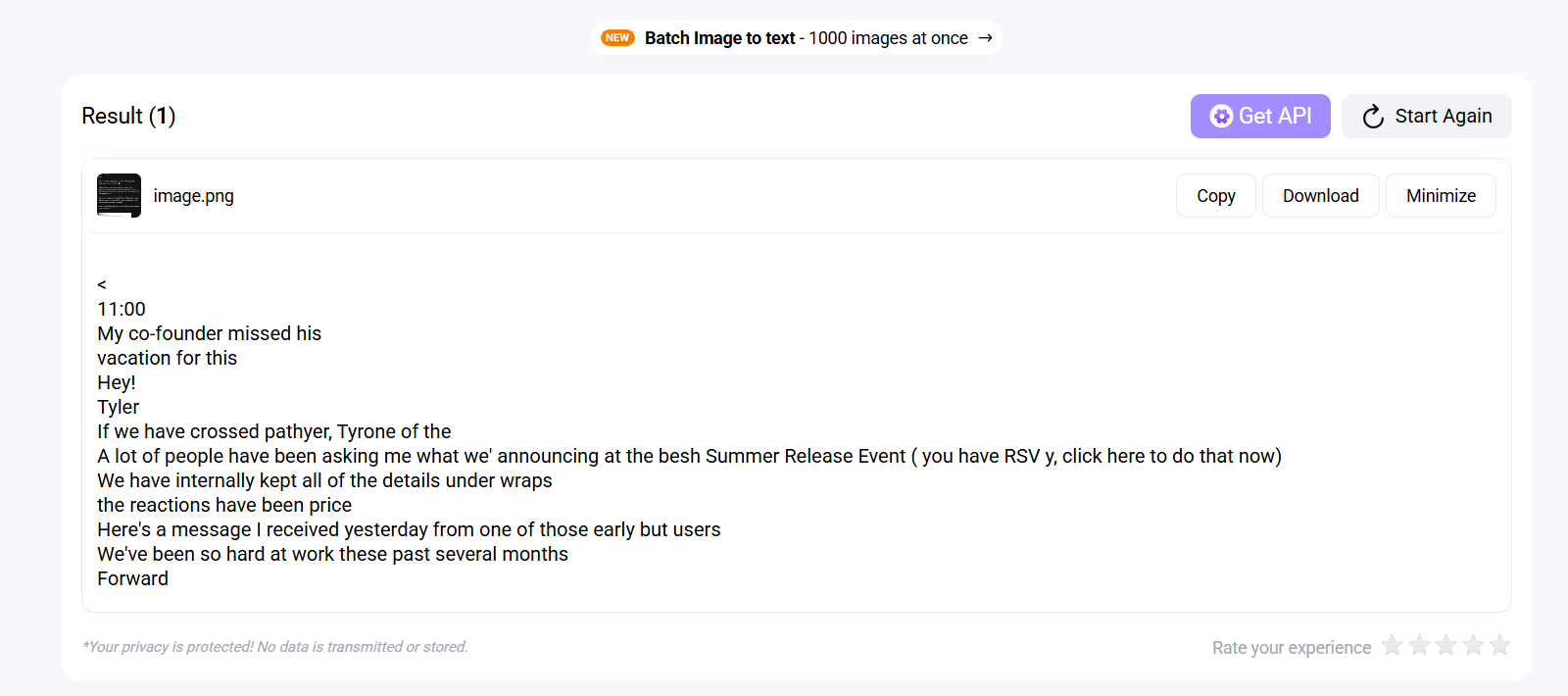
Verdict: By seeing the outcome, it is clear that ImageToTextOCR accurately extracted every single text from the screenshot. For instance, it even retrieves the word “Reply”, email, and other tiny details. While ImageToText.info failed to do these things and only extracted the main text from the picture.
So, here also, ImageToTextOCR takes the point.
- ImageToTextOCR: 4/5
- ImageToText.info: 1/5
Test 5: Math Equations
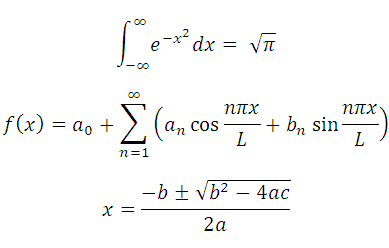
At last, let’s test some complicated math equations and see which tools can extract text. The image we are using is:
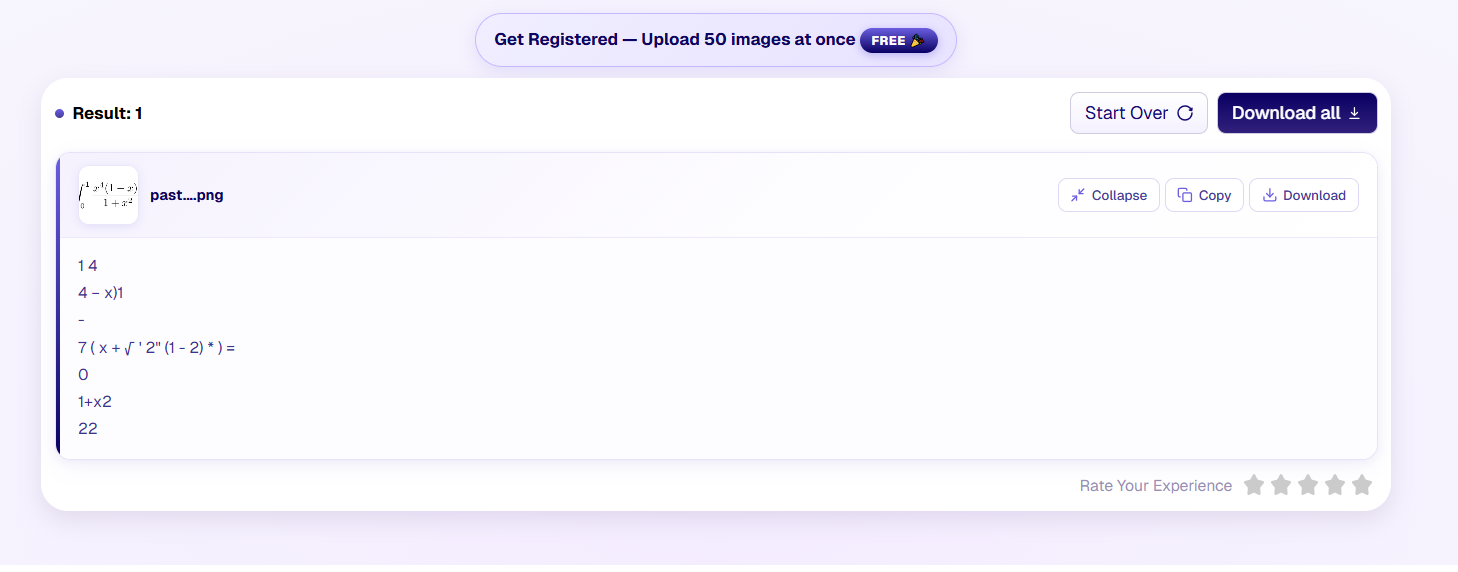
ImageToTextOCR Result:
ImageToText.info Result:
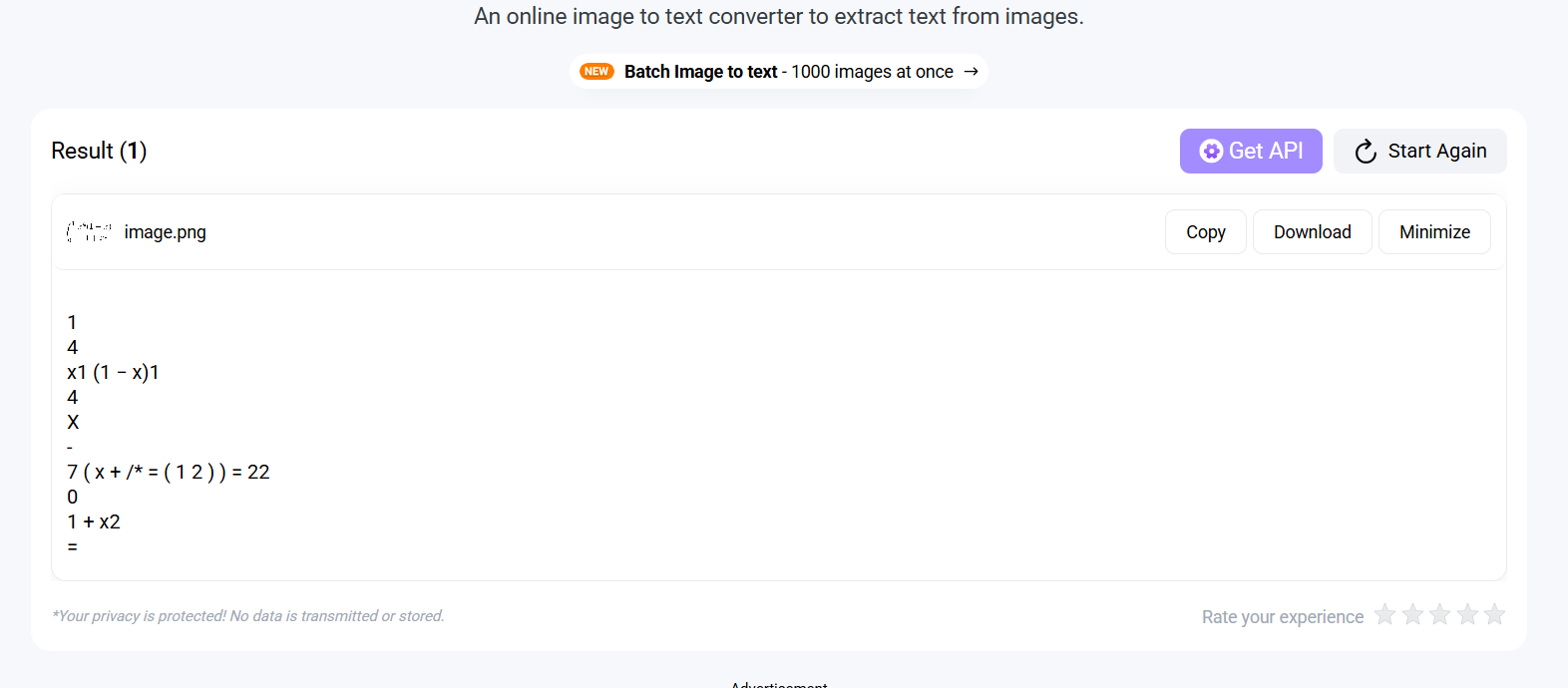
Verdict: Both tools retrieve the math equation accurately and in the same style. So, here also, it’s a win-win.
- ImageToTextOCR: 5/5
- ImageToText.info: 2/5
Disclaimer:
We tested both OCR tools using five image types: printed documents, handwritten notes, blurry photos, screenshots, and mathematical equations. Each image was uploaded under identical conditions to compare text recognition accuracy, formatting preservation, and processing speed.
ImageToTextOCR.com vs ImageToText.info: Pros & Cons
Let’s take a look at the pros and cons of both tools.
ImageToTextOCR: Pros & Cons
Pros | Cons |
Up to 50 images processing at a time. | No mobile application. |
Advanced AI-powered OCR technology. | No public API for developer use. |
Completely free to use. | |
Support HEIC formats for iPhone users. | |
Dedicated option to crop the image. | |
Support 20+ different languages |
ImageToText.info: Pros & Cons
Pros | Cons |
Supported up to 23 languages. | Too many ads on the screen. |
API plan is also available (for premium users). | Only process 2 images in the free version. |
Native mobile application available. | No dark mode on the website. |
Easy and simple interface. |
Why Choose ImageToTextOCR?
- You need to extract text from multiple images at a time without paying a cent.
- You want a completely secure and private usage.
- You want to enjoy a clean and ad-free experience.
- You don’t want to create a free account to utilize the tool.
- You are looking for a free tool with no premium plans.
- You want to extract text from an HEIC image on your iPhone.
Why Choose ImageToText.info?
- You need to get access to the API for developer use.
- You need a native mobile application for quick access.
- You care about user-friendliness.
Final Verdict
Both ImageToTextOCR and ImageToText.info are capable OCR tools that can extract text from images accurately. However, ImageToTextOCR stands out by offering completely free access, higher batch processing limits, an ad-free experience, and better formatting retention across handwritten notes, blurry images, and screenshots. On the other hand, ImageToText.info is a solid choice for users who need a dedicated mobile app or API access. Overall, ImageToTextOCR delivers better value, convenience, and performance for most users.
Frequently Asked Questions
Is ImageToTextOCR.com better than ImageToText.info?
Yes, ImagetoTextOCR.com is better in many terms, including accuracy, formatting, speed, and usage. It provides completely free usage, while ImageToText.info demands a premium once the limit is hit.
Can both tools recognize handwriting text?
Yes, both ImageToTextOCR.com and ImageToText.info can process and recognize handwriting text from images. They deliver accurate results and ensure there are no spelling mistakes or missing letters.
Which OCR tool is completely free with no registration?
ImageToTextOCR offers completely free usage without any sign-up or registration. It can process up to 50 images at a time and retrieve text from them in seconds.
Is my data safe with both image-to-text converters?
Yes, both image-to-text converters offer safe and secure usage. They do not store or share your images with any unofficial third-party source.
What image formats does ImageToTextOCR.com support?
ImageToTextOCR supports different image formats, including PNG, JPG, JPEG, HEIC, GIF, JFIF, and PDF. This made it easier to extract text from images without the need to convert them.